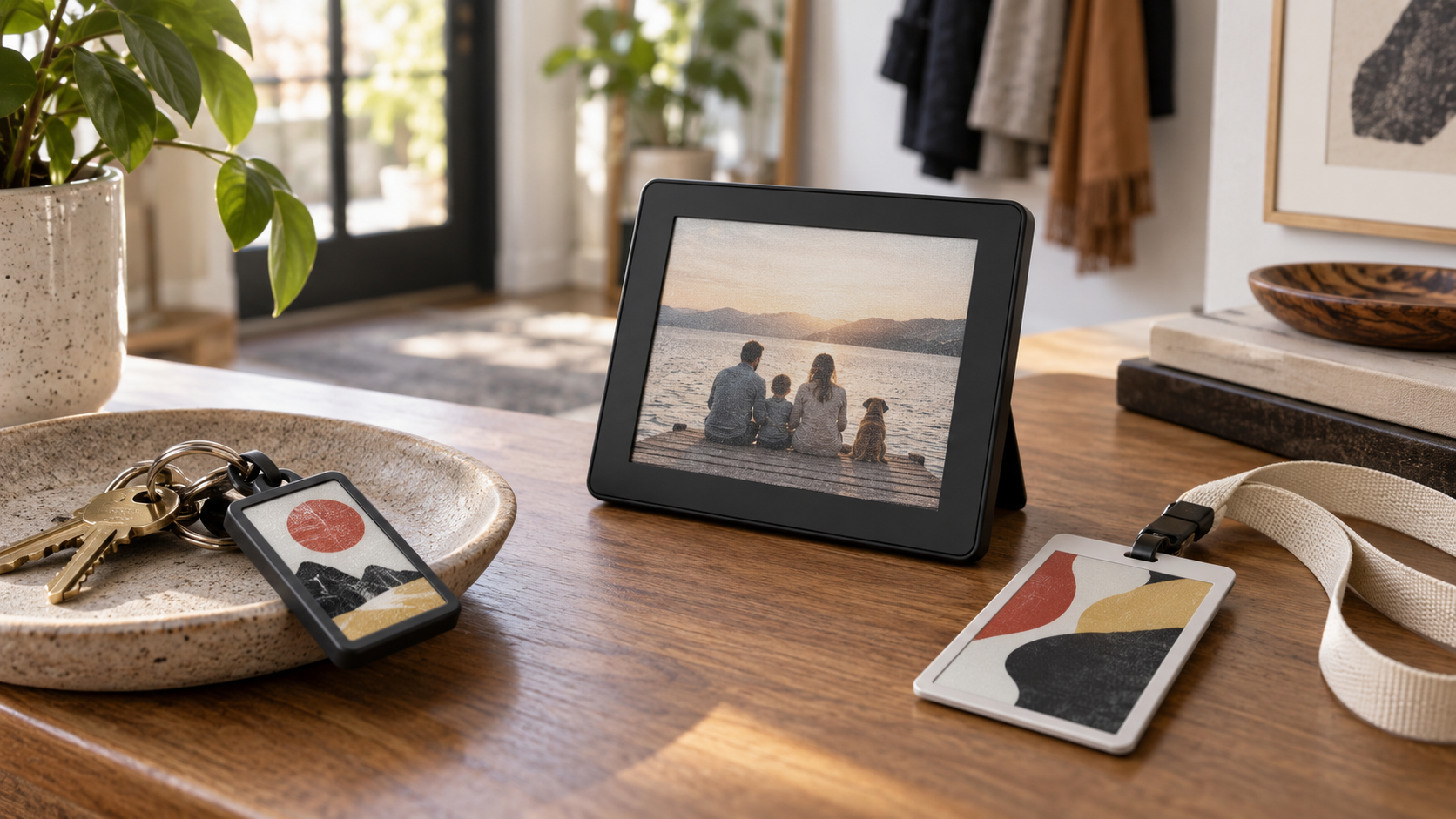
Personal technology has spent years competing for attention. Personalized e-paper products point in another direction. They can hold a photograph, illustration, identity, schedule or message in view without animation, backlighting or a stream of notifications. The result feels less like a miniature phone and more like a piece of printed material that can be changed whenever its owner wants.
01Why personalization now feels useful
Customization matters when it improves attachment or utility. A keychain carrying a favorite image, a reusable badge prepared for the next event, or a desk display that changes from artwork to a calendar can earn a lasting place in everyday life. E-paper supports that behavior because the last image remains visible after an update, so the object does not need to behave like an always-on conventional screen.
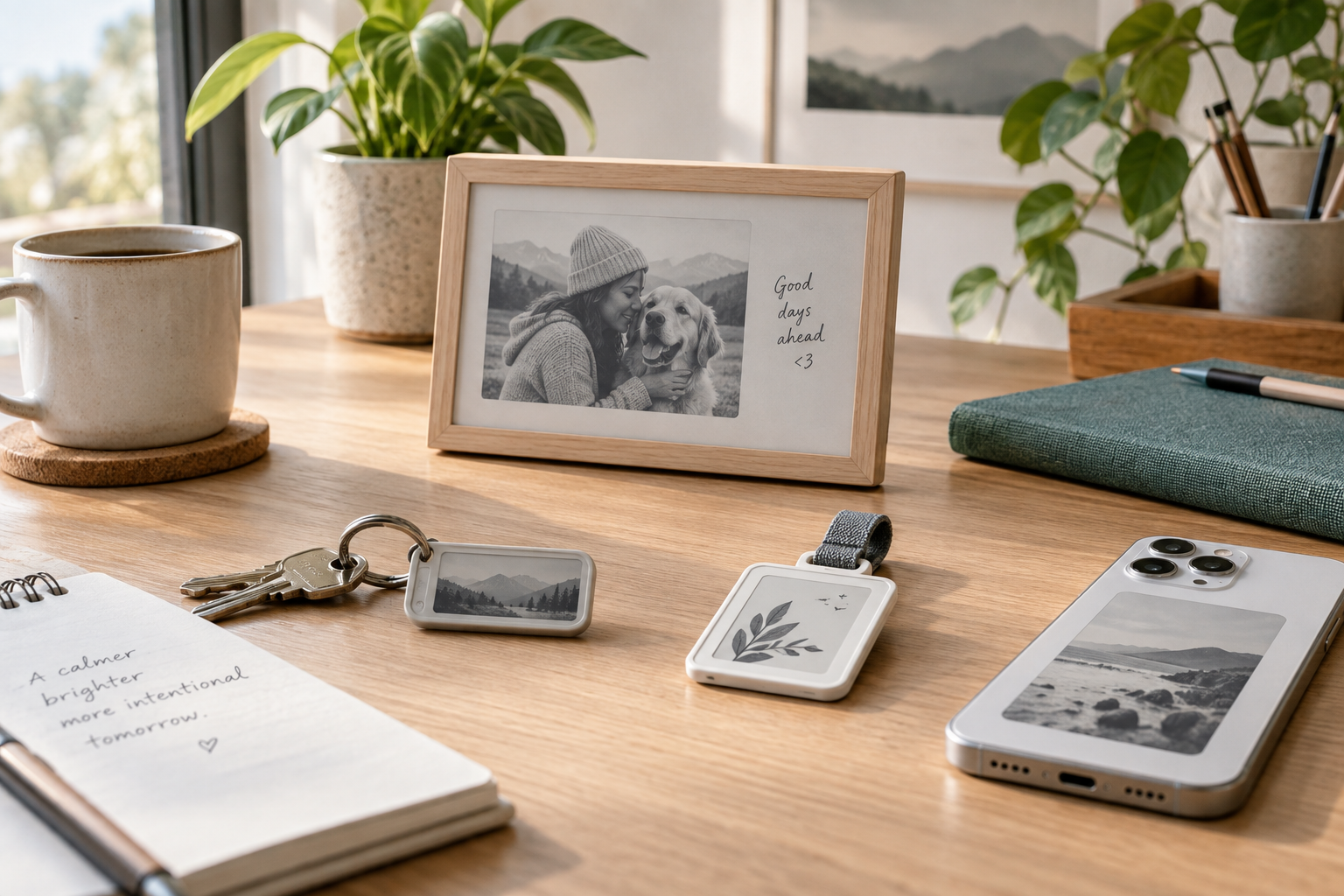
The strongest concepts begin with a simple question: what information deserves to remain visible? A family photograph, emergency contact, room status, daily agenda or QR code each has a clear reason to stay on the surface. Novelty fades quickly; a visible purpose does not.
02Small formats create new product categories
Personal e-paper is not limited to photo frames. The same display behavior can support luggage tags, reusable event passes, pet identification, collectible art, gift products, phone accessories and desk signage. In each case, the display becomes part of the physical design rather than a separate electronic interface.
Small formats also make customization commercially interesting. Brands can offer a standard enclosure while allowing customers to change the visual layer. That can reduce the need for many printed variants and make one product suitable for gifting, campaigns or membership programs.
03Color changes the emotional range
Monochrome e-paper remains excellent for labels and information-dense layouts. Four-color displays add a different kind of value: a restrained printed palette that works well for illustrations, portraits, icons and branded graphics. The goal is not to imitate an LCD. Good e-paper artwork uses contrast, larger shapes and intentional color separation so the image looks designed for the medium.
Product teams should test real content early. A specification may describe resolution and color support, but only physical samples reveal how photographs, fine lines and skin tones translate to the selected panel.
04The update experience decides whether people keep using it
A personalized product succeeds or fails at the moment the user changes the image. NFC is attractive for battery-free or rarely updated objects because a compatible phone can provide energy and data during the update. Bluetooth or Wi-Fi may suit products that change more often, but they add power, pairing and software responsibilities.
The workflow should be short: choose content, crop it for the screen, preview the e-paper palette, transfer it and confirm success. If users must understand file formats, color conversion or connection states, the hardware may be elegant while the product experience remains unfinished.
05Design the enclosure around the screen
Personal devices are handled, dropped, carried and displayed in many orientations. The enclosure must protect the panel and flex cable without making the object bulky. Designers should consider viewing direction, attachment points, magnets, buttons, charging or NFC position, and the visual border around the active area.
Surface finish matters too. A calm matte enclosure usually supports the paper-like quality better than a glossy shell that reflects more light than the display itself.
06Privacy and ownership belong in the design brief
When a device carries a name, photograph or contact detail, owners need clear control. Teams should define whether content stays locally on the phone, passes through a cloud service, or can be recovered by another person. Reusable badges and tags should also be easy to clear before reassignment.
07How to evaluate a product idea
Start with frequency, power and purpose. How often will content change? Who makes the update? Does the device need a battery? What happens if the network disappears? Will the last image still be appropriate when power is unavailable? These questions usually determine the best display size and communication method more reliably than a feature checklist.
08A quieter kind of smart product
The opportunity in 2026 is not to place a screen on every object. It is to make a few objects more expressive and useful without increasing digital noise. Products that combine thoughtful industrial design, a simple update workflow and content worth keeping visible can turn e-paper from a technical curiosity into a familiar personal material.